Compare MT4, MT5, TradingView, cTrader and broker apps for forex and CFD trading, including order execution, automation, regulation, leverage, margin, costs and risk controls.
Why Trading Platforms Affect Forex and CFD Execution Experience
Forex and contract for difference trading may appear to involve nothing more than clicking buy or sell in a software interface, but in practice it involves multiple layers, including pricing sources, order transmission, server execution, margin calculation, risk control rules and account settlement. The trading platform is the front-end entry point for these processes, responsible for presenting market data, charting tools, order buttons and account status to traders.
A contract for difference, abbreviated asCFD, does not require traders to hold the underlying asset. Instead, the result is calculated based on the difference between the opening price and the closing price. Margin requirements, volatility characteristics and trading hours differ across forex CFDs, index CFDs, commodity CFDs and stock CFDs. The more clearly a platform displays these differences, the easier it is for traders to identify their actual risk exposure.
From the perspective of trading technology development, retail forex platforms have evolved from telephone dealing to desktop software, web-based charts, mobile applications, automation and social trading. The more complex platform functions become, the more important it is to distinguish among “analysis tools,” “execution systems” and “risk control rules.” Charting tools help observe the market, execution systems submit orders, and risk rules determine how an account handles insufficient margin when prices move unfavorably.
MT4: A Classic Desktop Platform in Retail Forex Trading
MetaTrader 4, abbreviated asMT4, has long been used for forex and some CFD trading. Its core structure is built around market quotes, chart analysis, order management and expert advisor systems. An expert advisor, abbreviated asEA, can execute alerts, open positions, close positions or modify orders when preset conditions are met.
The advantage of MT4 is not that it has the largest number of features, but that its ecosystem is mature. A large volume of indicators, scripts, EAs and educational materials has been built around MT4. For traders who mainly focus on major currency pairs, precious metals or common index CFDs, MT4 can meet basic analysis and order execution needs. However, it is less flexible than newer platforms in multi-asset markets, strategy testing depth and more complex account models.
MT5: An Expanded Platform for Multi-Asset Trading and Strategy Testing
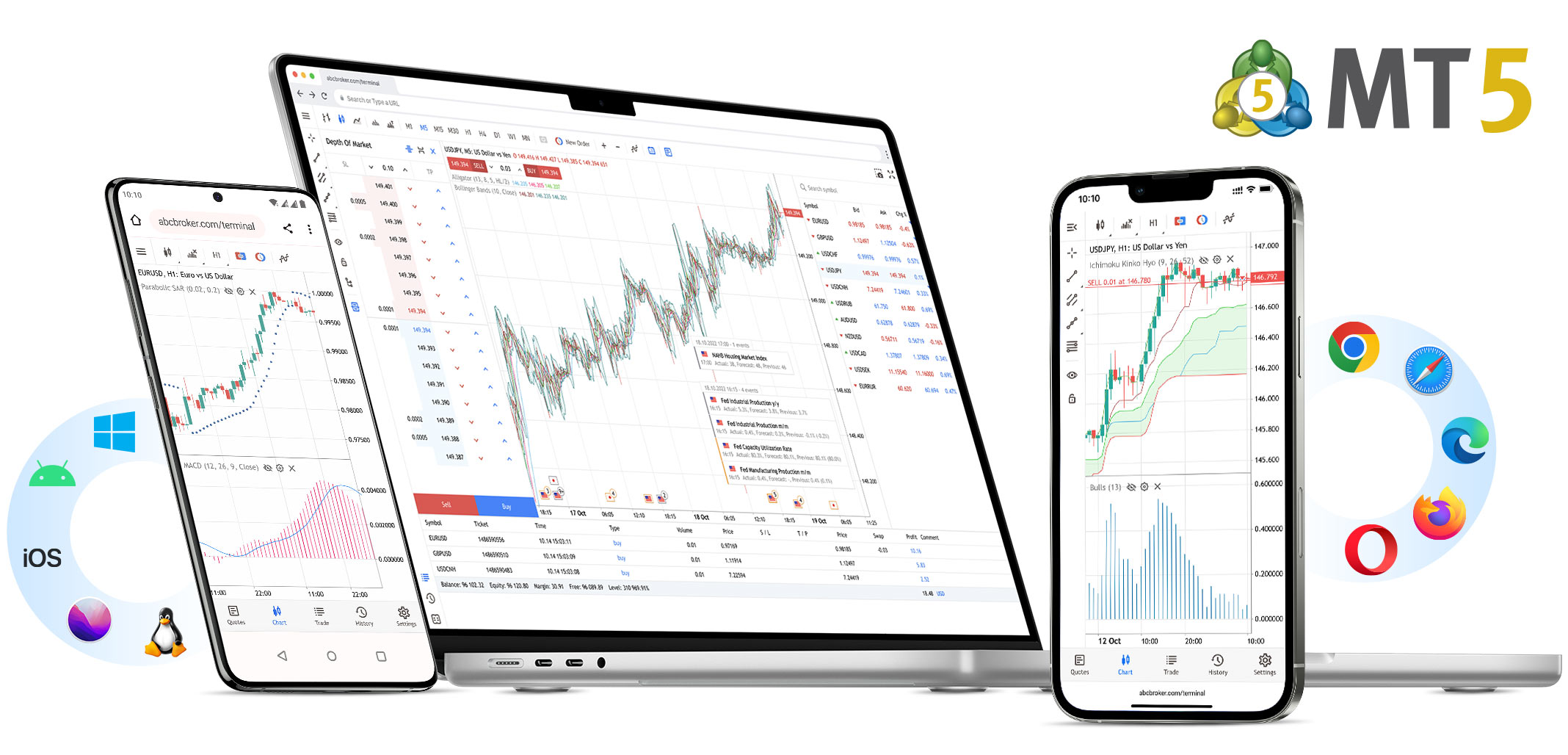
MetaTrader 5, abbreviated asMT5, expands timeframes, technical indicators, economic calendars and strategy testing. It supports more granular chart periods and provides an environment better suited to multi-instrument strategy testing. For users who need to monitor forex, stock indices, commodities, stock CFDs or futures-type products at the same time, MT5 has a structure closer to a multi-asset trading platform.
The MT5 strategy tester is suitable for evaluating how automated trading rules perform on historical data, including maximum drawdown, number of trades, win rate, profit-loss ratio and parameter stability. However, backtesting does not equal future results. Historical quote quality, spread modeling, slippage assumptions, commission settings and sample periods all affect test results. Selecting only the best-performing historical parameters may lead to overfitting.
| Comparison Dimension | Key Parameters | Suitable Scenarios | Main Risks |
|---|---|---|---|
| Timeframes | MT4 commonly provides 9, while MT5 provides 21 | Multi-timeframe trend and entry analysis | More timeframes do not mean more reliable signals |
| Automation Language | MT4 uses MQL4, while MT5 uses MQL5 | EA development, indicator development and strategy testing | Code migration requires rewriting and cannot be treated as equivalent |
| Strategy Testing | MT5 is more suitable for multi-instrument testing | Portfolio strategies, parameter testing and automated research | Historical fitting may differ from real execution |
| Market Coverage | MT5 is more oriented toward a multi-asset structure | Forex, indices, commodities, stock CFDs and more | Actual tradable instruments depend on the broker |
TradingView: From Chart Analysis to Community Information Flows
TradingView is positioned more as an online charting and market research platform. Through web and mobile access, it provides charts, indicators, scripts, alerts, financial calendars and market screening functions. For users who need to monitor prices across forex, stocks, indices, commodities and crypto assets, it offers strong cross-market visualization capabilities.
TradingView also has a clear community component, where users can publish chart views, scripts and trading ideas. Here, it is necessary to distinguish between “ideas for reference” and “signals for execution.” Public views may contain assumptions, lagging information or personal style, and are not suitable for direct copying into a live account. If trading is conducted through broker integration, traders also need to confirm whether order types, instruments, fees and execution rules are consistent with the original platform.
cTrader: Order Experience and Automation Framework
cTrader is often used in trading environments that emphasize order operation, market depth and automated development. Its automation module, cTrader Algo, supports the development of cBots, indicators and plugins. For users familiar with C# or Python, cTrader’s automation framework provides another path for algorithmic trading.
From an execution perspective, a clear platform interface does not necessarily mean low cost. Trading costs still depend on broker pricing, liquidity sources, spreads, commissions, slippage and server stability. When comparing platforms, traders should evaluate “platform functions” separately from “broker execution conditions.”
Functional Boundaries of Broker Proprietary Apps
Broker proprietary apps usually integrate account management, charts, trading, customer support, market news and fund operations into a single mobile or web interface. Their advantage is process centralization, making them suitable for checking account status, receiving notifications and performing basic order operations. Their limitation is that indicator expansion, strategy testing and cross-platform migration capabilities may be limited.
Account-level functions: account opening information, account switching, deposits, withdrawals, reports and identity verification.
Trading-level functions: quotes, charts, order placement, position closing, stop-loss and take-profit modification, and position viewing.
Service-level functions: message notifications, educational materials, customer support access and risk disclosure documents.
Limiting factors: functional completeness is designed by each broker, and differences between apps can be significant.
Mechanism Differences Among Three Trading Modes
Manual trading, EA automated trading and social trading represent three different decision-making structures. Manual trading relies on the trader’s judgment; EA automated trading relies on rules and code; social trading relies on other people’s views or signals. There is no absolute superiority or inferiority among them. The key is whether they match the trader’s knowledge level, time commitment, risk tolerance and monitoring ability.
| Trading Mode | Key Parameters | Suitable Scenarios | Main Risks |
|---|---|---|---|
| Manual Trading | Trading horizon, entry conditions and exit rules | Learning market structure and forming an independent plan | Emotional operation and temporary plan changes |
| EA Automated Trading | Strategy parameters, maximum drawdown and operating periods | Repetitive rules, algorithmic execution and backtesting research | Overfitting, program errors and server interruptions |
| Social Trading | Copy ratio, signal delay and maximum position size | Observing different trading styles and supporting learning | Opaque signal quality and mismatched account risk |
| Hybrid Mode | Manual review, automated alerts and partial execution | Combining rule-based operation with human judgment | Unclear rules may lead to inconsistent execution standards |
How Regulatory Frameworks Affect Platform Selection
The selection of forex and CFD platforms cannot be separated from the regulatory environment. Different regions impose different restrictions on retail client leverage limits, negative balance protection, margin close-out and marketing incentives. For example, some regulatory frameworks classify major currency pairs, non-major currency pairs, gold, equity indices, commodities, individual stocks and crypto asset CFDs into different risk tiers and set different leverage caps.
This means the same platform may display completely different leverage, margin requirements and product ranges under different brokers, regions and account types. The 1:30, 1:100 or 1:500 leverage seen by traders is not merely a software setting, but the result of regulation, broker risk control and account type working together.
Theoretical Perspective: Risk Control Comes Before Tool Selection
In trading theory,Dow Theory, proposed by Charles Dow in the late 19th century, emphasizes trends, confirmation and the reflection of market information. Although modern traders use more complex software, they still face the same issue: price changes are uncertain, and any tool can only help with observation and execution, not eliminate uncertainty.
"Markets can remain irrational longer than you can remain solvent."
This statement is often used to remind traders that judging market direction is only one part of trading. Position size, margin and survivability are equally important. Whether using MT4, MT5, TradingView, cTrader or a broker proprietary app, the core objective should be to make the trading plan, risk exposure and execution records clearer.
In-Depth Checklist for Evaluating a Platform
Confirm the regulated entity, account type and tradable instruments, and avoid mistaking a platform name for broker authorization.
Review spreads, commissions, overnight financing charges, minimum trade size and maximum leverage.
Test how market orders, limit orders, stop-loss orders and take-profit orders are displayed in a demo account.
Check historical data quality, chart timeframes, indicator loading and mobile synchronization.
Evaluate whether EA, cBots, scripts, alerts or social copy trading functions are needed.
Record account equity, margin level and actual execution price before and after each trade.
Questions About Trading Platforms and Forex Execution Mechanisms
Are trading platforms and brokers the same thing?
No. A trading platform is the software entry point for market monitoring, analysis and order placement, while a broker is the institution that provides accounts, pricing, execution and fund services. The same platform can be used by multiple brokers, but trading conditions may differ.
Why does the same EA perform differently in different accounts?
Possible reasons include spreads, commissions, slippage, server latency, pricing sources, minimum trade size, leverage restrictions and differences in trading hours. The same EA rules do not mean the execution environment is completely identical.
Can TradingView community views be used directly as trading signals?
They should not be treated as equivalent. Community views usually contain the author’s assumptions, chart conditions and personal style. Traders still need to independently verify the instrument, timeframe, risk parameters and account conditions.